Edit text in images.
Online, with AI.

Replace words in photos, posters and menus.
Match their style. No software to install.

Free to tryNo login required

2 welcome credits per eligible network. No watermark.

Your next edit starts hereJPG / PNG / WEBP

Start free. No login.

Upload an image, then select the text you want to replace.

or drop an image here

Up to 10 MB

Checking your balance…Welcome credits are available once per network.

Different images.
New possibilities.

A new price, a personal message, a fresh menu.
See where a few different words can take you.

Illustrative sneaker poster comparison with the price changed from $129 to $89.BeforeAfter

Product promotions

Update a price or headline in your marketing images.
$129$89
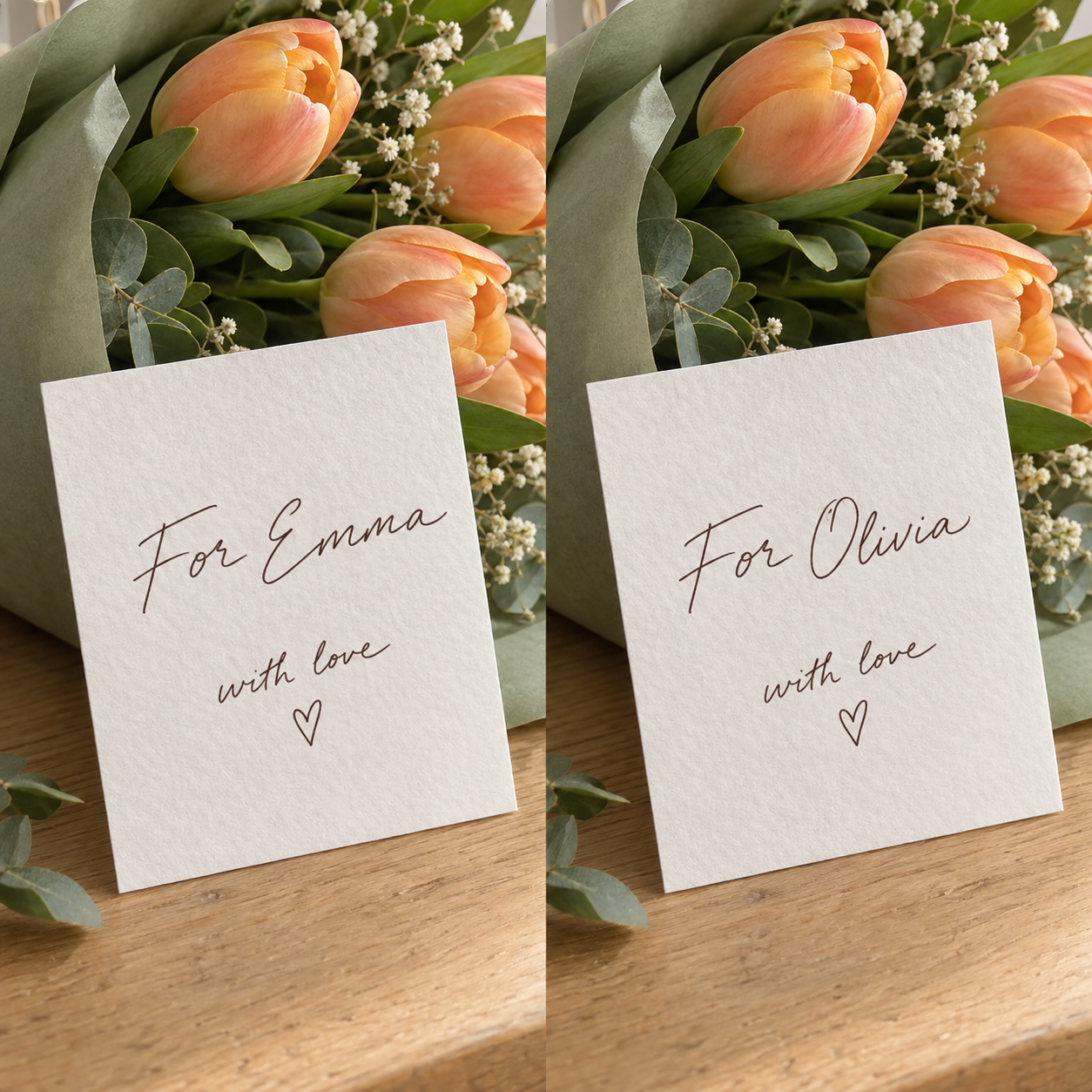
Illustrative handwritten flower card comparison: For Emma becomes For Olivia.BeforeAfter

A personal touch

Personalize handwritten cards, notes and invitations.

For EmmaFor Olivia
Illustrative café chalkboard comparison: Vanilla Latte becomes Matcha Latte.BeforeAfter

Menus & real-world scenes

Change the words on signs, menus and textured surfaces.

Vanilla LatteMatcha Latte

AI-created illustrations of use cases, not verified EditTextAI outputs. Actual results vary by image.

How to edit text in an image

Upload an image, choose your words, and review the result.

Step 1

Upload your image

Drop in any JPG, PNG or WEBP up to 10MB.

Step 2

Select the text

AI finds every text area. Click the one you want to change.

Step 3

Generate & download

Add all your changes, generate once, and download without a watermark.

Welcome credits included

Start editing for free.

No account. No watermark. Download in full quality.

2free credits
once per network

Good questions, simple answers.

How do I edit text in an image online?

Upload a JPG, PNG or WEBP image, select a detected text area, enter the replacement and add your change. Generate the image, review it, then download the result.

How do I edit text in an image on mobile?

Open EditTextAI in your mobile browser and upload a photo. Tap the highlighted text, enter your replacement and generate. Review the result before downloading; no app installation is needed.

Do I need software to edit text in an image?

EditTextAI runs in your browser on desktop and mobile. You do not need Photoshop or a desktop installation. An internet connection is required for text detection and AI editing.

Can I edit text in any image?

EditTextAI supports common JPG, JPEG, PNG and WEBP images up to 10MB. Clear, well-lit text produces the best results.

Can I edit text in an image with the same font?

We match the original color and soften generated lettering to help it blend in. Font shapes and complex backgrounds can still vary.

Do I need to create an account?

No. You can upload and edit immediately—no signup or login required.

Can I edit text in an image online for free?

Eligible networks receive 2 welcome credits once. Private browsing or clearing cookies does not renew the offer. People sharing a network share this eligibility; balances and images remain private to each browser.

Do credits expire?

Purchased credits never expire.

How long are my images stored?

Images and generated results are stored securely for 7 days, then removed.